Security patrol management and incident handling: beyond “reported”
Connect patrol schedules and checkpoint records with incident assignments, deadlines and outcomes, so the next shift can pick up where the last one left off.
Actual application screenshots illustrate the features; identifying information has been masked. Figures shown are not a promise of operational performance.
At the end of a shift, a guard reports that all assigned areas have been checked. A photo of a faulty door sits in the team chat, along with a request for maintenance to investigate. When the next shift takes over, they still have to ask: where was the photo taken, who is handling the issue, and has it been fixed?
This is the gap between recording an issue and following it through. Having a patrol schedule does not mean every checkpoint has been checked. Having someone report an incident does not mean someone has taken responsibility for resolving it.
Duall Master connects patrol management with incident reporting and handling. Managers plan work on the web; guards receive assignments and record checks on site in the app; and issues are tracked in case records with an assigned owner, a deadline and an outcome.
Before the shift: make clear who checks what, and where
A patrol needs more detail than an instruction to “check the floors.” The guard needs to know the route, the checkpoint order, the instructions at each stop and where photos are required.
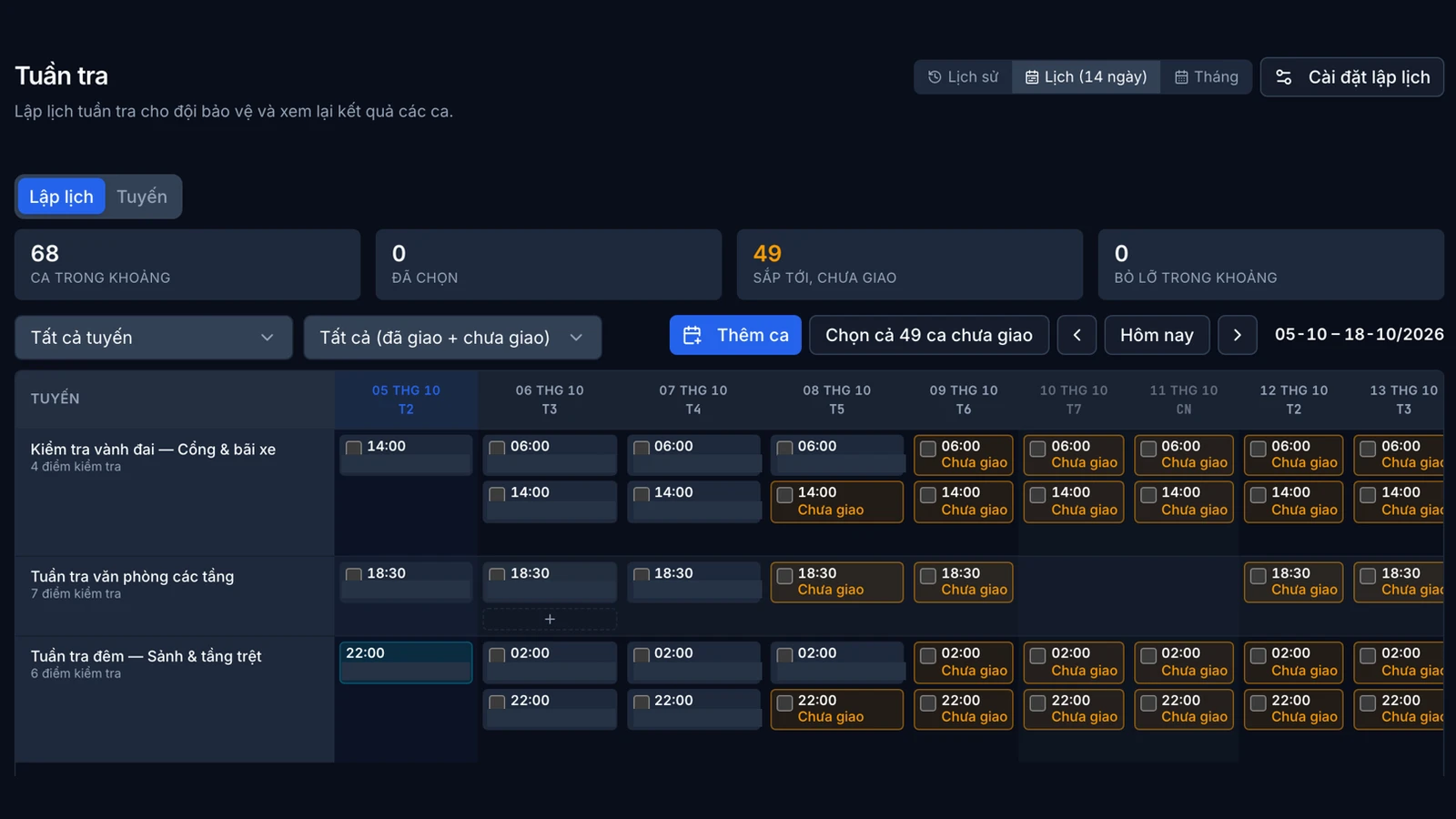
In Duall Master, managers can set up routes, schedule patrol runs and assign them to guards. Schedules are available in list, 14-day and monthly views, and multiple runs can be selected for assignment at once.
This structure helps the shift team spot gaps: unassigned runs, missed runs, or runs that have ended without all checkpoints being completed. When the assigned guard changes, the instructions remain with the route rather than existing only in a verbal handover.
This is patrol scheduling and assignment, not a general workforce rostering system. Each organization still needs to arrange staffing in line with its own rules and operating conditions.
On site: record each checkpoint, not just that a patrol took place
Guards open their assigned patrol run in the app, review the checkpoints they need to visit and record the inspection results.
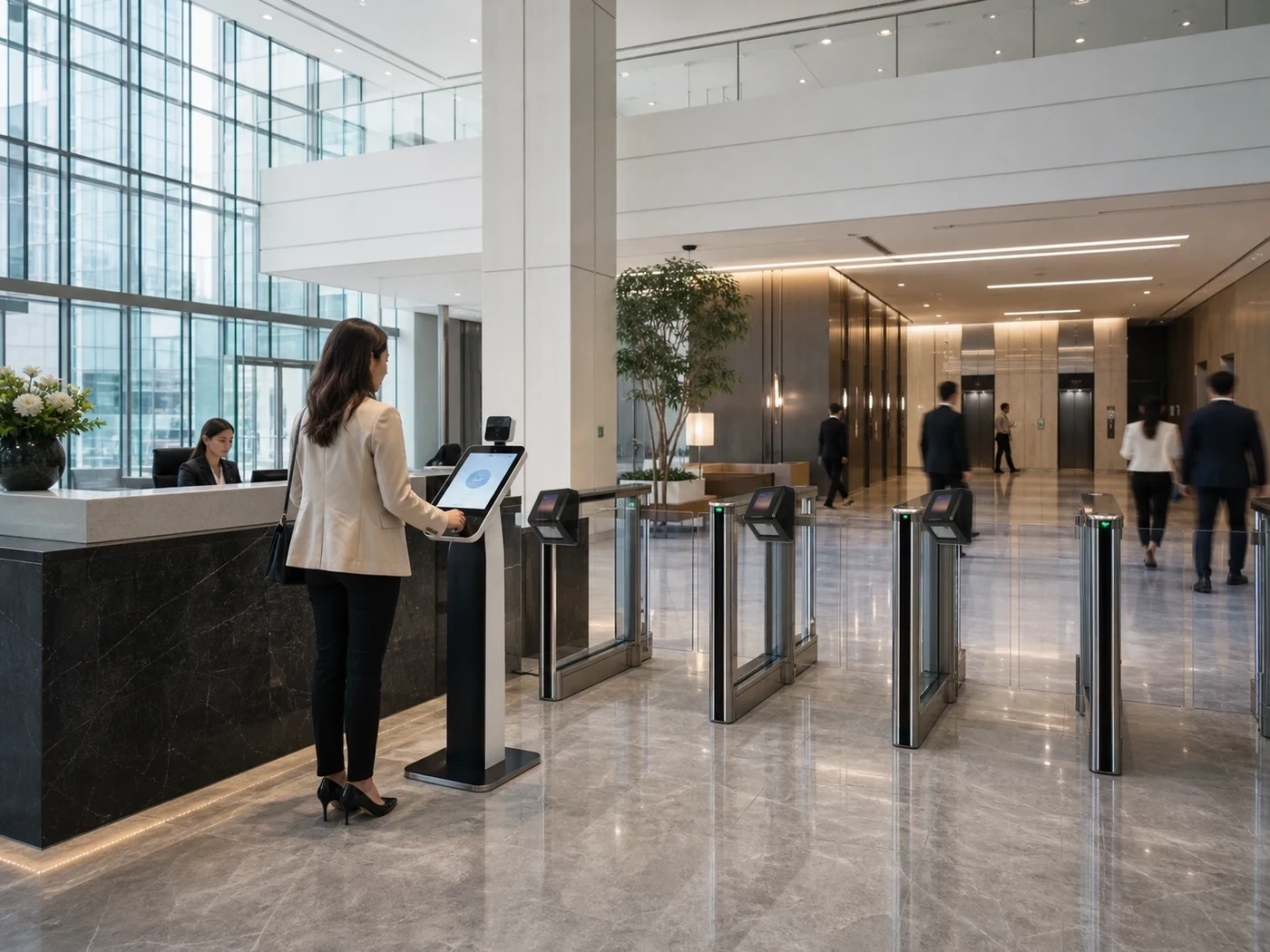
At a checkpoint with a compatible reader, a valid access event for the assigned guard within the patrol run’s time window can be used to confirm the checkpoint. Where there is no reader, the guard can record the check manually and add photos according to the configured requirements.
For example, a checkpoint at a storeroom door might require the guard to inspect the door and note anything unusual. If an issue is found, the guard records the relevant details and creates an incident case for follow-up. Photos and notes help the person taking over understand the situation, but they do not replace an actual inspection.
When connectivity is lost, the app can queue patrol check and end-of-run actions for later submission. The data is validated when synchronization resumes. This does not mean that every action, particularly every incident report, is available offline.
Monitor progress without confusing it with continuous location tracking
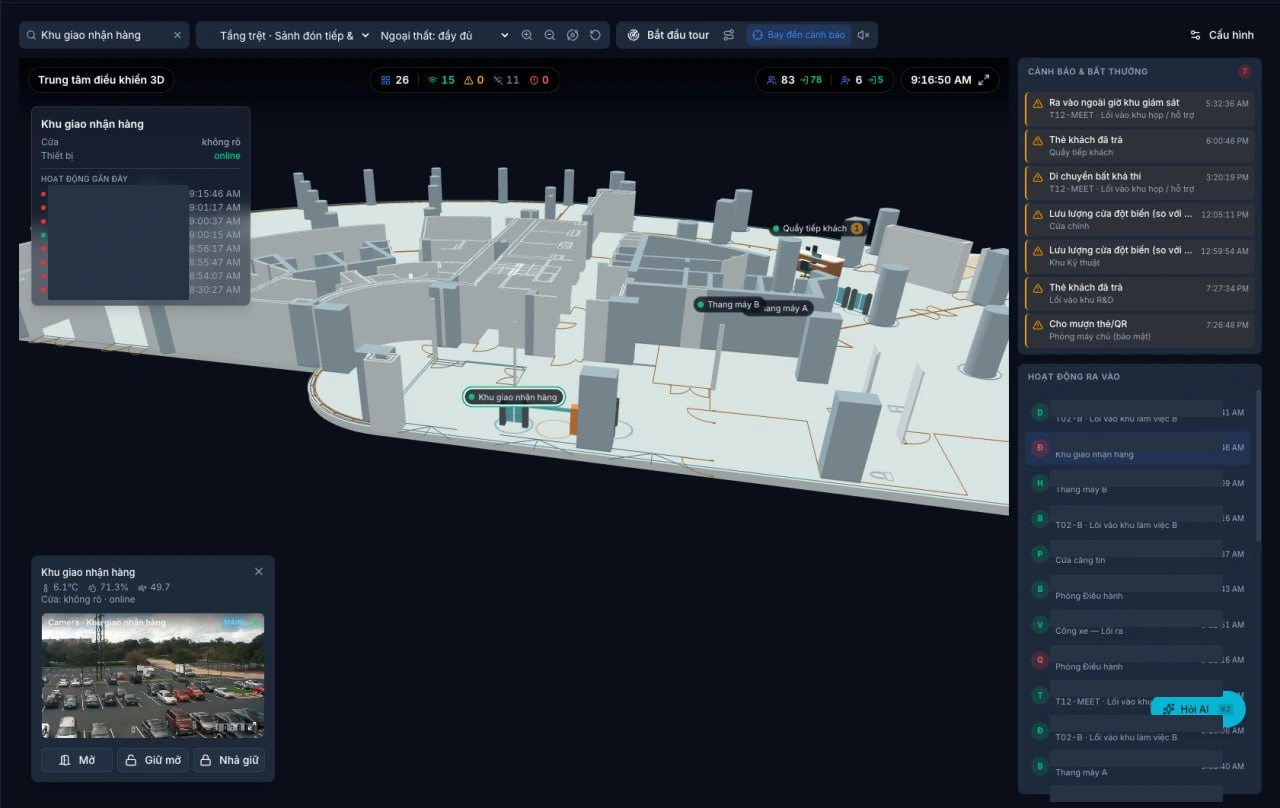
Managers need to know which routes are being patrolled, which checkpoints are complete and what remains outstanding. Duall Master supports patrol progress monitoring in a 3D interface, with data refreshed periodically.
This information reflects records from the patrol run, not the guard’s continuous GPS location. Confirmation of a checkpoint does not mean the guard is still standing there.
It is also important to distinguish three activities:
- On-site patrol: a guard visits checkpoints and records the inspection results.
- Camera-based patrol: an operator observes and confirms checks; a photo can be attached only when a camera frame is available.
- Automatic map viewpoint switching: the software moves the display through configured locations to support observation.
These activities complement one another, but switching viewpoints on a screen cannot serve as proof that an on-site patrol check has been completed.
When an issue is found: create a case with someone responsible
A message is convenient for a quick alert, but it is no substitute for a case record when an issue spans multiple shifts or involves several departments.
With incident reporting, authorized users can record the details and severity of an issue, adding relevant photos if needed. Managers assign an owner and a deadline, track developments and update the outcome.
For the faulty storeroom door, the case record preserves both the original issue and the work done to address it. The next shift has a record to work from instead of having to search through messages or ask someone whose shift has ended.
One distinction needs to be clear in the workflow: “resolved” is not the same as “closed.” The person carrying out the work may report it as complete, but the organization still needs to review and close the case under the applicable permissions and procedures.
Track deadlines and interpret reports correctly
Managers can configure handling deadlines by incident severity within the supported settings. Changes apply to new cases only; existing cases retain their deadlines. These deadlines support work tracking and are not a guarantee that every issue will be fixed within a set time.
Patrol and incident reports let authorized users select a date range, review summary metrics, trends and detailed records, and export CSV or XLSX files.
Patrol reports show results by route, guard, status and confirmation method. The completion rate is calculated as completed runs divided by the total of completed, missed and incomplete runs. Cancelled runs, runs still scheduled and runs in progress are not included in that denominator.
Incident reports provide breakdowns such as severity, status and assignee. The report group consists of cases created within the selected date range. Average resolution time is measured from case creation to the point it is reported as resolved, among resolved cases. The active overdue count reflects the current state of cases in that report group, not a historical snapshot of all cases as of the selected period’s end date.
Understanding these calculations helps avoid premature conclusions when comparing reporting periods or assessing staff responsibilities.
Start with one route and one handover process
An organization can begin with a patrol route already in use and agree on the instructions and evidence required at each checkpoint. In parallel, choose a common category of incidents and define who receives them, how severity is assigned, which deadlines to track and what must happen before a case can be closed.
During the pilot, test both routine and exception scenarios: missed checkpoints, lost connectivity, an issue discovered on patrol, and an unresolved incident handed over to the next shift.
The goal is not to add more data entry. It is to help guards know what they need to do, managers see how work is progressing, and the next shift receive enough information to carry it forward.
Contact Duali through the Duall Master website for a demonstration of the workflow, from patrol scheduling and on-site recording to incident assignment and reporting. Features are deployed with the modules, devices and permissions suited to each facility’s needs.
Keep reading